Versions
Each time v0 updates a code block from a message, it creates a new version. Non-message actions (such as editing code or modifying files directly) do not generate new versions.
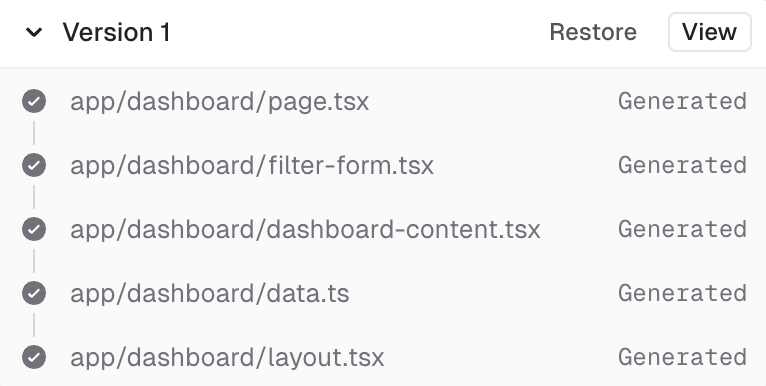
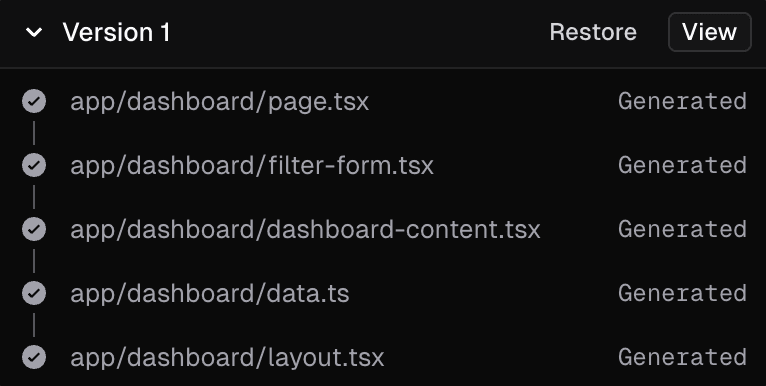
Restoring an old version creates a new, most recent version using the restored code to maintain a linear version history.
When deploying, the latest version of the code is used. If you want to deploy a previous version, you can restore it and then deploy.
Once more than one version has been created, you can switch between versions using the dropdown in the top-right corner of the interface. This dropdown shows how many versions have been created (for example, v2). You can also scroll through your chat with and click ↩ to restore an earlier generation.